Quickstart project for a static website using Arche and React.js.
arche-static-website/
    public/
        react/
            ClickExample.js
        global.js
        index.css
        index.html
    render-html/
    config.js
    PageHtml.js
    serve-local.sh
    update-pages
The public directory. All files in this directory are made public to the internet. This directory is the root of the public website.
Put React components in this directory.
JavaScript in this file is run at the top of all HTML .html files. Define global variables and functions in this file, e.g. window.myVariable = 1.
The default CSS file.
This page is served to requests for the home page /.
The render-html process. render-html is a Node.js process using the ECMAScript module system that imports the client React application root Root.js to generate and output HTML.
Stores data about the site's domain (domain), dependencies (scripts and stylesheets), public directory (publicDir), and pages (pages).
The domain name of the website, e.g. example.com.
The name of the directory that stores the website's HTML, JavaScript, and CSS files.
A list of objects that specify the website's pages. Each object has four properties: title, description, url, and filepath.
title- the page's title, this will be used for the page's metadatadescription- the page's description, this will be used for the page's metadataurl- the page's relative url, this will be used with config.domain for the page's metadatafilepath- the location of the page within config.publicDirscripts- A list of script tags that will be loaded by the page.stylesheets- A list of stylesheet link tags that will be loaded by the page.
Returns the HTML for all pages. Contains all client-side dependencies.
PageHtml options:
title- the title of the page.description- the description of the page.url- the canonical URL of the page.reactRootHTML- the page-specific HTML received from the render-html process. Includes the<div id="react-root">...</div>tag and all children.
Starts the local static web server.
Creates or updates the HTML pages in the public directory public/ using the configuration file config.js.
Uploads all files in config.publicDir to an Amazon S3 Bucket for config.domain. See deployment.
Stores metadata about this project including name, version, dependencies, and scripts. Read more about package.json.
You are reading this file.
Make changes to the scaffolding of this project (advanced). Start hacking here.
- Fork the repo

- Clone your forked version
# ssh
git clone git@github.com:my-github-user/arche-static-website.git

# https
git clone https://github.com/my-github-user/arche-static-website.git- Install dependencies
npm i- Update pages leaving the inner HTML for the react-root empty (
<div id="react-root"></div>)
./update-pages- Start the local web server
./serve-local.sh- Navigate to
http://localhost:4507/in your browser
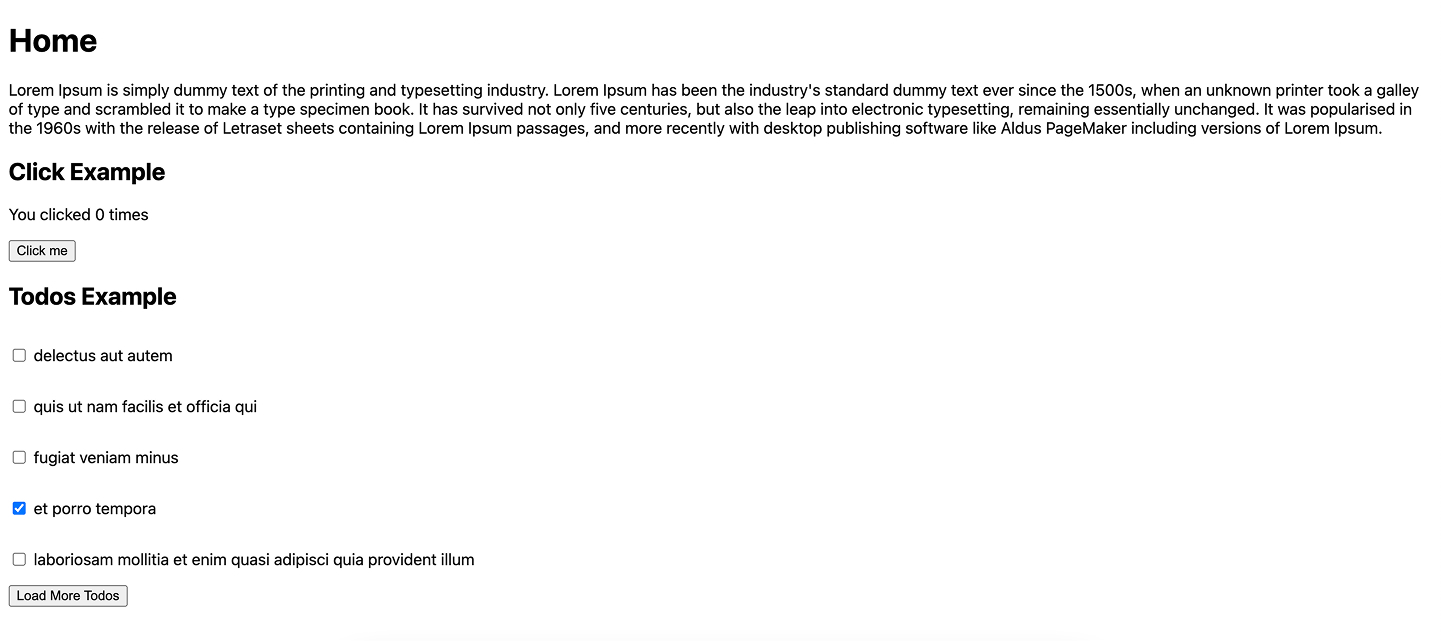
- Update all pages including the inner HTML of the react-root.
./update-pages --react-root-inner-html