Part 3. Dashboard
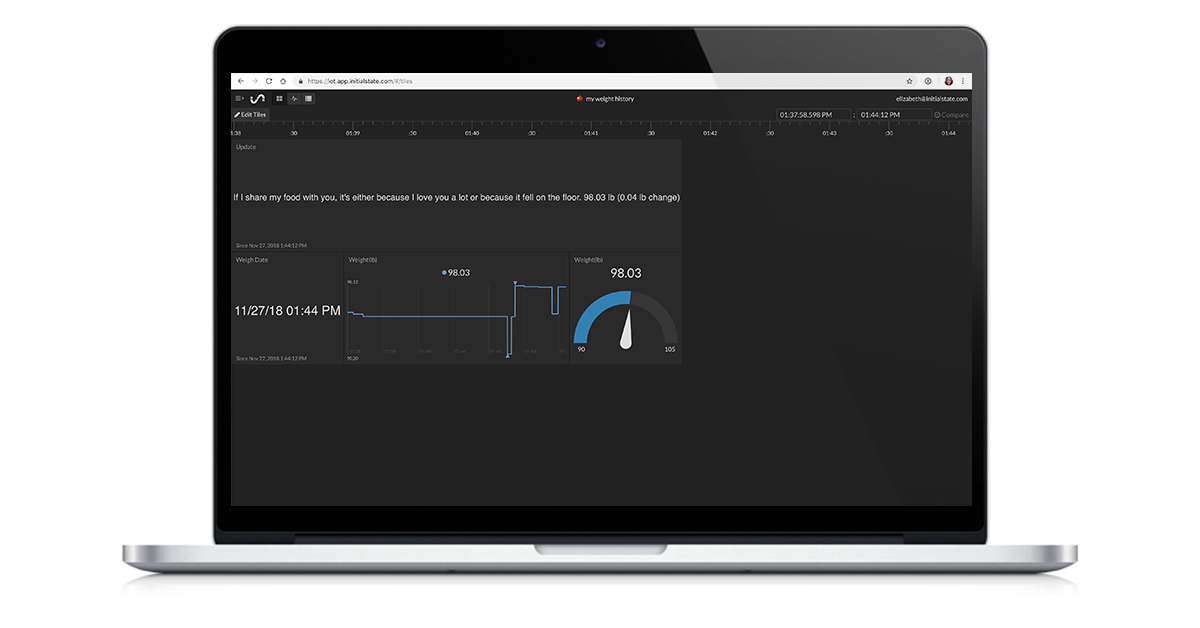
Go to your Initial State account and click on the new data bucket with the name corresponding to the BUCKET_NAME parameter (i.e. 🍎 My Weight History). Click on Tiles to view your weight history dashboard. You should see three tiles the first time you view your data in Tiles - Update, Weight Date, and Weight (lb). You can customize your dashboard by resizing and moving tiles as well as changing view types and even adding tiles. This dashboard gives you the ability to see your weight history at-a-glance. It is mobile friendly and you can even share it with other people.